The short answer: you don’t need to stare into the lens for a whole interview. Raise your camera to eye level, put the interviewer’s video window right under it, and sit a little further back: looking at their face then reads as eye contact to them. Look straight at the camera for your key points and at the end of an answer. Keep any notes as a few words next to the camera, not on your desk.
Why video makes eye contact hard
On a video call, the camera and the other person’s eyes are in different places. When you look at their face on the screen, you look slightly away from the camera, so on their side you appear to be looking a little off.
How much that matters depends on direction. In experiments on videoconferencing at Stanford, Milton Chen found that people are about ten times less sensitive to someone looking below their eyes than to someone looking to the side or above. People also tend to assume eye contact unless they’re sure it’s missing.
Most webcams sit at the top of the screen, so when you look at the screen you’re looking slightly below the camera: the direction people notice least. The fix is to keep that gap small.
Set up your screen so looking at it reads as eye contact
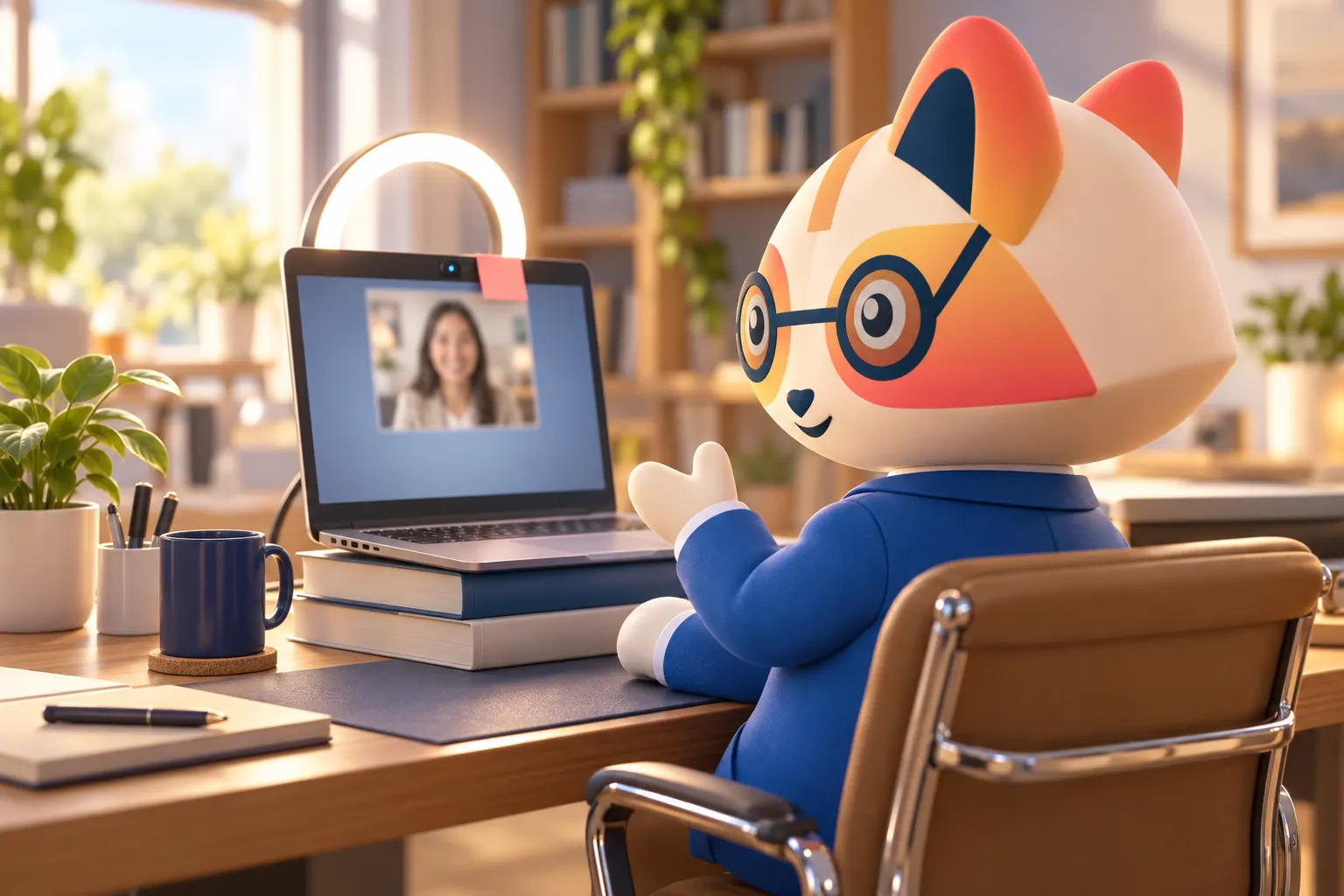
- Raise the camera to eye level. Put the laptop on books or a stand. A camera below your face looks up your nose and makes the gap bigger.
- Put the interviewer’s window right under the camera. Drag the video window to the top center of the screen and make it small. HireVue’s own advice for its video interviews is the same: keep the video window near the top center. The closer their eyes are to the lens, the more your gaze reads as eye contact.
- Sit a little further back. At arm’s length or more, the angle between the camera and the screen shrinks.
- Close everything else, so your eyes aren’t pulled to notifications or a second window.
When to look straight at the camera
Looking at the lens the whole time feels unnatural and cuts you off from the interviewer’s reactions. Look at the camera at the moments that count:
- When you make a key point: your result, the number, the one-sentence answer.
- At the start and end of an answer.
- When you’re listening to a long question, briefly: it reads as attention.
Then return to their face. Natural conversation includes looking away while you think, on video too.
In a one-way interview there’s no face to look at. Look at the camera most of the time, as if it were a person, but don’t worry about it: HireVue tells candidates not to worry about making eye contact with the camera and to be natural. See our HireVue guide.
How to use notes without looking away
Notes are usually fine in a live video interview as a memory aid, as long as you don’t read from them. What gives notes away is looking down at the desk.
- Keep them to a few words: your stories’ titles, the numbers, two questions to ask.
- Put them next to the camera: a small sticky note on the edge of the screen, right by the lens. A glance at it is almost invisible.
- Never read full sentences. Reading changes your voice as well as your eyes.
- Don’t use them in one-way interviews unless allowed. Check the employer’s instructions.
Practice the setup before the interview
Record yourself answering one question with your real setup and watch it back. Check where your eyes appear to be looking, whether your notes are visible in your glances, and whether the light is on your face (a window or lamp in front of you, not behind). Our video interview guide covers the rest of the setup, for live and one-way interviews.
Frequently asked questions
Should I look at the camera or the screen in a video interview?
How do I make eye contact on a video call?
Can I look at notes during a video interview?
How do I look at notes without it being obvious?
Does eye contact matter in a one-way video interview?
Sources
- Chen, M., Leveraging the Asymmetric Sensitivity of Eye Contact for Videoconferencing, Proceedings of CHI, 2002.
- HireVue, Frequently Asked Questions for Candidates. Read on 29 September 2026.