The short answer: SSIS interviews check that you can build, deploy and troubleshoot ETL packages. Expect fundamentals (control flow vs data flow, containers, precedence constraints, connection managers, variables and parameters), data flow transformations (Lookup and its cache modes, blocking vs non-blocking transformations, Merge vs Merge Join vs Union All), error handling, slowly changing dimensions and incremental loads, performance tuning, and deployment with the SSISDB catalog. Experienced candidates (around five years or more) get scenario questions: a package that works in Visual Studio but fails in SQL Server Agent, a slow load, or duplicates after a rerun.
Fundamentals
“What is SSIS?”
Microsoft describes SQL Server Integration Services as “a platform for building enterprise-level data integration and data transformations solutions.” Typical uses are copying or downloading files, loading data warehouses, cleansing data and managing SQL Server objects and data.
“What’s the difference between control flow and data flow?”
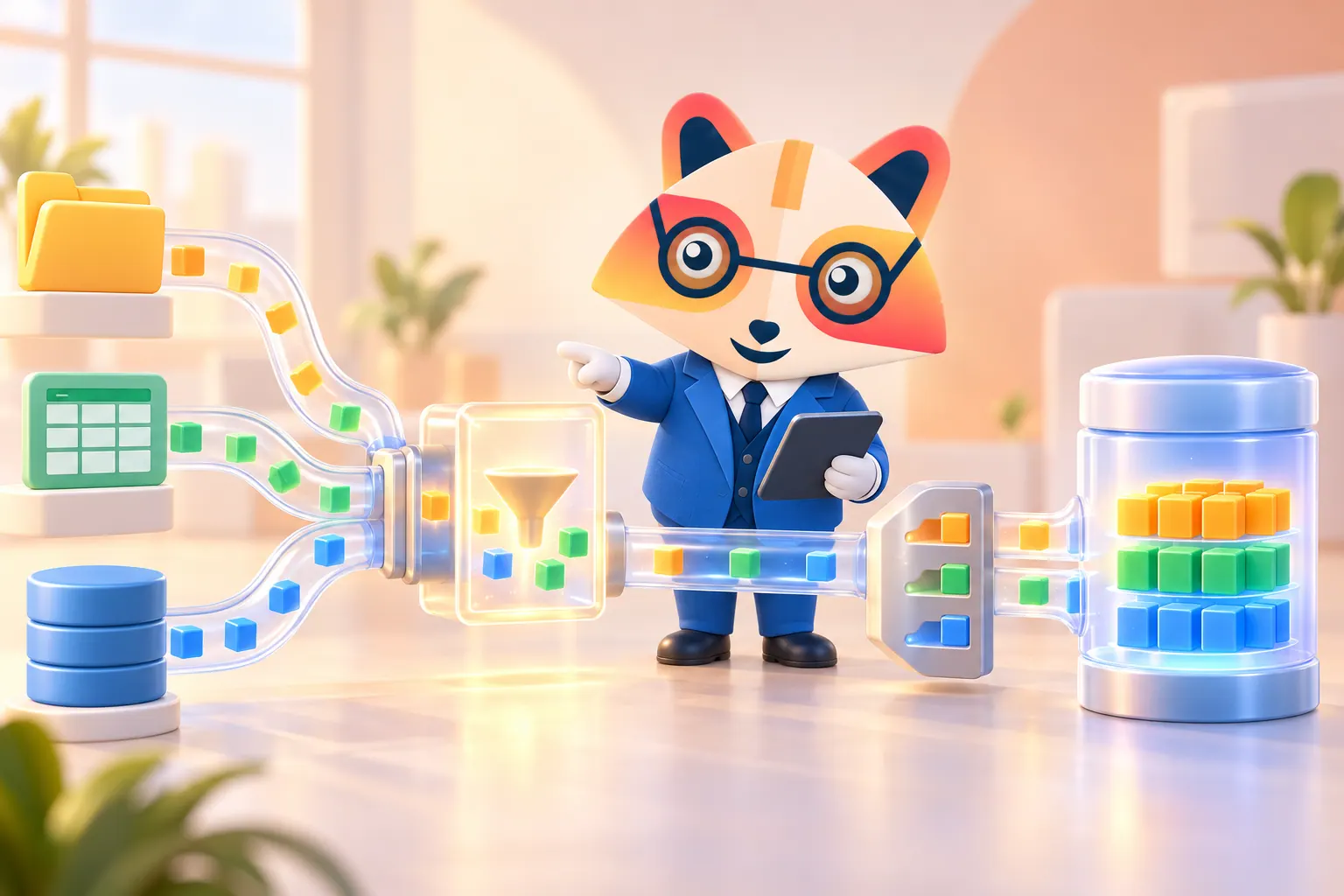
The control flow is the workflow of a package: according to Microsoft, it’s built from containers, tasks and the precedence constraints that connect them into an ordered flow. The data flow runs inside a Data Flow Task and moves rows from sources, through transformations, to destinations in memory buffers.
“What are containers?”
Containers group tasks: the Sequence container (group and manage tasks together), the For Loop container (repeat while a condition is true) and the Foreach Loop container (repeat for each item, for example each file in a folder with the File enumerator, or each row in a result set with the ADO enumerator).
“What are precedence constraints?”
They link tasks and decide what runs next: on success, failure or completion, optionally combined with an expression (for example, only load if a row count variable is greater than zero).
“What’s the difference between variables and parameters?”
Parameters (project or package level) supply values from outside at execution time, such as a server name or file path per environment. Variables hold values that can change while the package runs, such as a file name in a loop or a row count. Expressions can use both, for example to build a connection string dynamically.
“What’s the difference between the project and package deployment models?”
The project deployment model (the default since SQL Server 2012) deploys the whole project to the SSISDB catalog and uses parameters and environments. The older package deployment model deploys individual packages and uses package configurations.
Data flow questions
“How does the Lookup transformation work?”
Microsoft explains that it “performs lookups by joining data in input columns with columns in a reference dataset,” such as a table, view, query result or cache file. Know three details:
- Cache modes: in Full cache, the reference set is queried once before the data flow runs and held in memory (fastest for reference sets that fit in memory); Partial cache and No cache query the database as rows arrive.
- Matching rules: in Full cache mode, matching follows the SSIS engine, which is case-sensitive and sensitive to trailing spaces; in Partial and No cache modes, it follows the database’s collation. This explains “missing” matches.
- No matches and duplicates: by default, rows with no match are treated as errors, but you can redirect them to a no-match output. If the reference table has several matches, Lookup returns only the first one.
“What are blocking and non-blocking transformations?”
- Non-blocking (synchronous): rows pass straight through the same buffer, for example Derived Column, Data Conversion, Conditional Split and Lookup.
- Partially blocking (asynchronous): new buffers are created, for example Merge, Merge Join and Union All.
- Fully blocking: all rows must arrive before any leave, for example Sort and Aggregate. Avoid them on large data; sort in the source query and set the output as sorted instead.
“What’s the difference between Merge, Merge Join and Union All?”
Union All combines rows from several inputs, without sorting. Merge combines two sorted inputs into one sorted output. Merge Join joins two sorted inputs (inner, left outer or full outer join) on key columns.
“How do you handle bad rows?”
Configure each component’s error output to fail the component, ignore the failure, or redirect the row to an error table with the error code and column. Add event handlers (such as OnError) to log or alert, enable logging, and use checkpoints if a long package should restart from the failed task.
Data warehouse questions
“How do you implement slowly changing dimensions?”
The Slowly Changing Dimension transformation supports changing attributes (overwrite the value, a Type 1 change), historical attributes (insert a new row and expire the old one, a Type 2 change), fixed attributes (values that must not change) and inferred members (placeholder dimension rows created when a fact arrives before its dimension). Experienced candidates often add that the wizard processes changes row by row, so for large dimensions many teams use a Lookup with a Conditional Split, or stage the data and run a T-SQL MERGE.
“How do you build an incremental load?”
Load only new or changed rows: use a watermark (the last loaded modified date or ID, stored in a control table), change data capture or change tracking in the source, or compare rows with a Lookup and a hash of the columns. Land data in a staging table, then insert and update the target in a set-based step, so the load can be rerun safely.
Performance questions
“A data flow is slow. What do you check?”
- Source: select only the columns you need, filter in the query, and sort in SQL instead of with a Sort transformation.
- Transformations: remove blocking transformations, and replace OLE DB Command (which runs once per row) with set-based updates from a staging table.
- Destination: use the fast load option with table lock and a sensible batch size, and consider dropping and rebuilding indexes for very large loads.
- Buffers: tune DefaultBufferMaxRows and DefaultBufferSize (or AutoAdjustBufferSize in newer versions) so more rows fit per buffer.
- Parallelism: run independent data flows in parallel and watch MaxConcurrentExecutables.
- Measure: check execution times per component in the SSISDB reports or logging before and after each change.
Deployment and operations questions
“What is the SSISDB catalog?”
Microsoft calls it “the central point for working with Integration Services (SSIS) projects that you’ve deployed to the Integration Services server.” It’s where you set project and package parameters, configure environments (for example, Dev, Test and Prod values for connections), execute and troubleshoot packages, and view execution reports.
“How do you schedule packages?”
Usually with SQL Server Agent jobs that run packages from the SSISDB catalog, using an environment reference and, where needed, a proxy account with the right permissions.
“What is ProtectionLevel?”
It controls how sensitive data such as passwords is stored in a package. The default, EncryptSensitiveWithUserKey, ties the encryption to the developer’s account, which is a classic cause of failures on the server. A common fix is DontSaveSensitive, with sensitive values supplied through parameters marked sensitive and environments.
“Can SSIS run in the cloud?”
Yes. Existing packages can run in Azure Data Factory on the Azure-SSIS Integration Runtime, which is how many teams lift and shift SSIS workloads.
Scenario questions for experienced candidates
- “The package works in Visual Studio but fails in SQL Server Agent.” Check the Agent service account or proxy permissions on files and databases, 32-bit vs 64-bit providers (common with Excel and Access drivers), ProtectionLevel and missing sensitive values, and environment references.
- “Load 50 CSV files from a folder every night.” A Foreach Loop container with the File enumerator, a variable for the file path, an expression on the Flat File connection string, then a File System task to move each processed file to an archive folder.
- “Facts arrive before their customer exists in the dimension.” Create an inferred member, then update it when the full customer record arrives.
- “A rerun after a failure created duplicates.” Make the load idempotent: stage first, then MERGE or delete-and-insert by batch key, and record each load in a control table.
- “How would you migrate SSIS to the cloud?” Lift and shift to the Azure-SSIS Integration Runtime first, then rebuild the highest-value pipelines with cloud-native tools over time.
Related guides: data engineer interview questions, Spark interview questions and Kafka interview questions.
Frequently asked questions
What SSIS questions are asked in interviews?
What is the difference between control flow and data flow in SSIS?
What are the Lookup cache modes in SSIS?
Which SSIS transformations are blocking?
What SSIS questions are asked for 5 years of experience?
Sources
- Microsoft Learn, SQL Server Integration Services. Read on 1 October 2026.
- Microsoft Learn, Control Flow. Read on 1 October 2026.
- Microsoft Learn, Lookup Transformation. Read on 1 October 2026.
- Microsoft Learn, Slowly Changing Dimension Transformation. Read on 1 October 2026.
- Microsoft Learn, SSIS Catalog. Read on 1 October 2026.